When it stops 6 min read
When the Daikin app cannot reach your air conditioner: why, and what to check
When the app says the unit cannot be controlled, the air conditioner itself is usually fine. The app reaches it through a chain of links, so check them one at a time, starting with the nearest.

Why only the app stops
In June 2021, version 7.0 of Daikin's app removed in-home control: since then the app controls the unit only through Daikin's servers (Daikin, app update history). The app also needs a CLUB DAIKIN account and log-in (Daikin, app FAQ).
So even when you stand next to the air conditioner, a command from your phone goes out of the house to the server and comes back in to the unit. If any link on the way stops, the app cannot reach it.
- Check 3 Phone and app signed in to CLUB DAIKIN
- Check 4 Daikin's servers out on the internet
- Check 2 Line and router Wi-Fi reaching the unit
- Check 5 The adapter the wireless LAN part in the unit
- Check 1 The air conditioner power and breaker
The remote control talks to the unit directly, by infrared, and uses none of the above.
If the remote works but the app does not, the break is not in the air conditioner but somewhere along this chain.
What to check, in order
The easiest checks come first. The numbers match the diagram above.
Step 1: Try the remote control
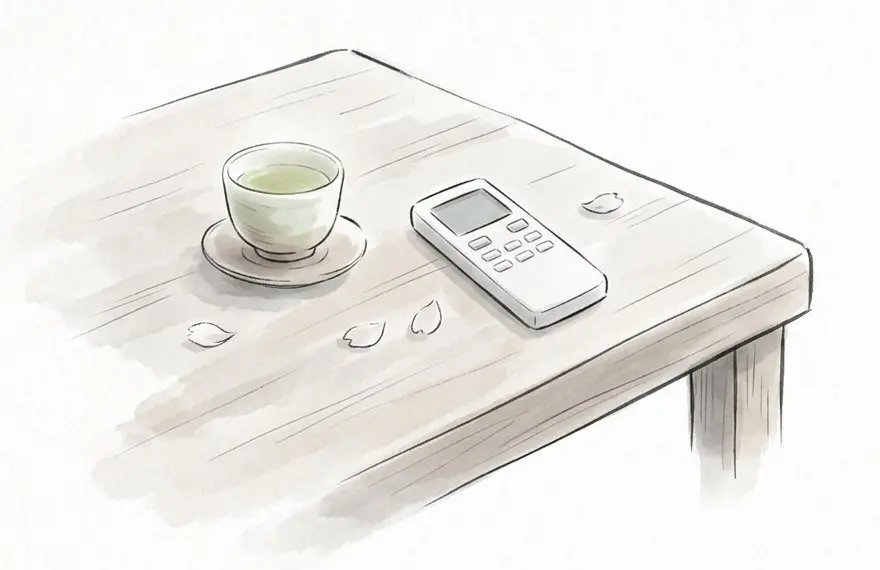
Start the unit with its own remote. If it runs, the air conditioner is working. If it does not, check that the plug is in the socket and the breaker is on; Daikin's app FAQ lists these first too.
Step 2: Check the router and the line
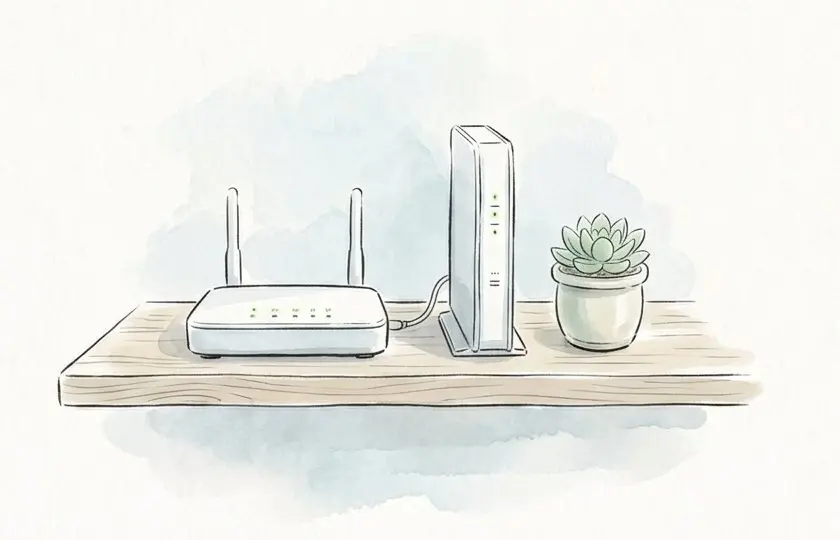
See that the router's lamps look as usual and that other devices can reach the internet. Daikin also asks you to check that the router's signal reaches the indoor unit steadily, and that the router is not carrying more devices than it can take. If it is unsteady, restart it as its manual describes.
Step 3: Check the phone and the app
Check that the phone is online and the app is up to date. If you cannot log in, check the ID and password, and also that the phone's clock is right: Daikin says you cannot log in when it is not.
Step 4: Wait a while
What happens on Daikin's servers cannot be fixed from home. Just after you register a unit, it can also take time to connect to the server. Wait a while, then try again.
Step 5: Ask Daikin
If it still cannot connect, the Daikin Contact Centre takes questions about the adapter's connection (0120-88-1081, 24 hours, every day). Have the model number and what the app shows to hand.


What happens when the internet is down
The app's commands travel outside the house, so when the internet line is down, the app cannot control the unit even from the next chair. A route that stays inside the house does not use the line, so control from home carries on.
Through the maker's server
- The app cannot control the unit
- The remote control works
Staying inside the house
- Control from a phone at home carries on
- The remote control works
If you have a HEMS controller (a home energy controller) that Daikin has confirmed, it may control the unit inside the home (Daikin, HEMS). Panasonic's Eolia app works the same way: it needs an always-on internet connection and a CLUB Panasonic log-in, and goes through Panasonic's cloud server (Panasonic, Eolia app setup).
Ways to control it without the app
While the app is down, there are other ways in. Each gives you something and costs you something.
Already in your hand
The remote control
Talks to the indoor unit directly, by infrared. No adapter, no internet line, no account.
Suits you if
- You are at home and want it on now
- You want something that does not depend on the line or the app
What you give up
- No control from outside the house
Any maker
An infrared hub
A device that sends the same infrared signal as the remote, when your phone tells it to. Nothing is fitted inside the air conditioner.
Suits you if
- You want an easy start, whatever the maker
- You would rather fit nothing to the unit
What you give up
- It only sends; it cannot tell whether the unit obeyed
- Some hubs need their own maker's app and account
Coming soon
Hikoden AC-1
Fitted in the indoor unit in place of Daikin's adapter, it works on your home network alone.
Suits you if
- You want no account and no cloud
- You want control from home even when the line is down (by design)
- You want to use Home Assistant or an AI assistant
What you give up
- Daikin's app stops working for that unit
- A prototype for the E and KX series is being built; not yet checked on a real unit
How Daikin's adapter compares with the alternatives is in Alternatives to Daikin's wireless LAN adapter.
Related guides